County of Fortune Settlements Guide — Placement, Growth and Moving a Settlement
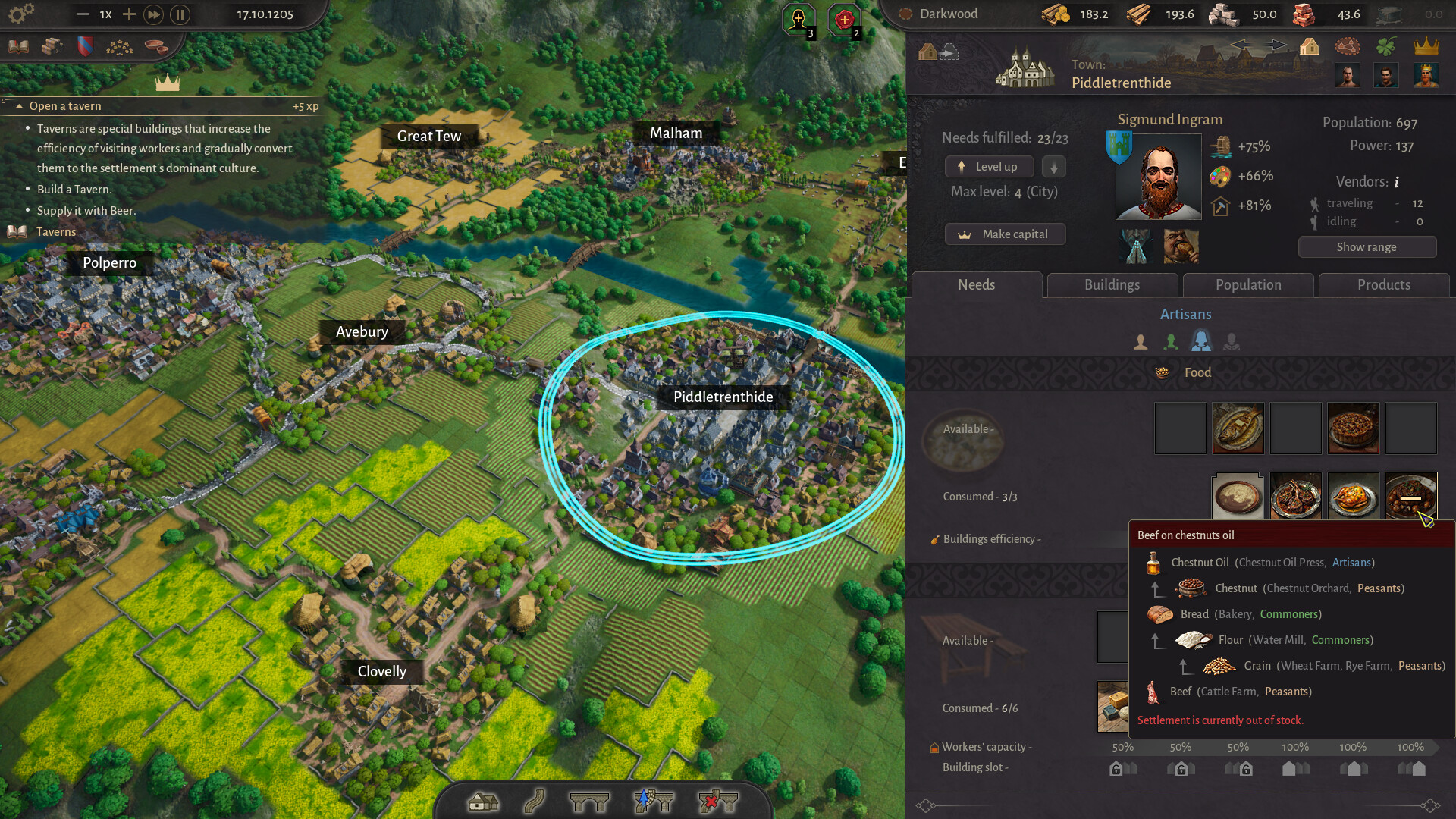
Settlements are the unit of play in County of Fortune. You do not drop individual buildings and you do not run one town; you choose where whole settlements stand, set the direction they grow in, and watch a medieval grid fill in street by street. This page covers placement, the hamlet-to-city progression, terrain reading, and the question a surprising number of players search for: how to delete or move a settlement.
You Place Whole Settlements, Not Single Buildings
The store description is unusually precise about this: you place whole settlements across the county and lay each one out on a medieval grid. Your input as a lokator is the site and the direction. Pick the spot, set where the settlement should grow, and the streets and grid fill in as it grows.
That single design decision changes how you play. In a conventional city builder you are constantly placing, rotating and connecting individual structures. Here the interesting decision happens before anything is built: which patch of ground becomes a village at all, and which way it is allowed to expand. Get that right and the settlement looks after itself; get it wrong and you have committed a large piece of the map to a bad idea.
Hamlet, Town, City: The Growth Stages
Every settlement starts small. The official material describes guiding each village as it grows from a tiny hamlet into a sprawling town, and eventually a city. The progression is the visible reward loop of the game: what began as a handful of buildings and a grid becomes a dense urban shape that you can recognise from the zoomed-out county view.
The filling-in is procedurally generated. The store puts it plainly: procedurally generated buildings fill out your settlements, street by street. The buildings are not stamped by you one at a time; they appear as the settlement grows along the layout you chose.
Because growth is the point, the support systems matter more than the initial placement after the first few minutes. A settlement that is supplied well evolves further, and the store ties that evolution to attracting advanced workers and unlocking new goods and buildings. Growth here is a consequence of the regional economy, not a button you press.
Terrain Decides What Each Site Is Worth
No two patches of ground play the same way. Resource deposits, biomes and terrain profiles decide what each plot is good for, and the developers list that as a design principle rather than a flavour detail. Climate, soil and elevation shape which crops, industries and products thrive.
Rivers are the sharpest expression of the idea, because navigable rivers turn geography into logistics. The official text says it directly: place wisely and trade flows. The store even gives a worked example — plant a salt-works next to a pass and wealth follows, plant a city far from water and the county feels it.
Translate that into practice while you are choosing sites. Before you place anything, look at what the ground offers, then at how it connects to the rest of the county. A site's value is a combination of what it can produce and what can move in and out of it, and the two are decided by the same map features.
One Seamless Region, Not Disconnected Outposts
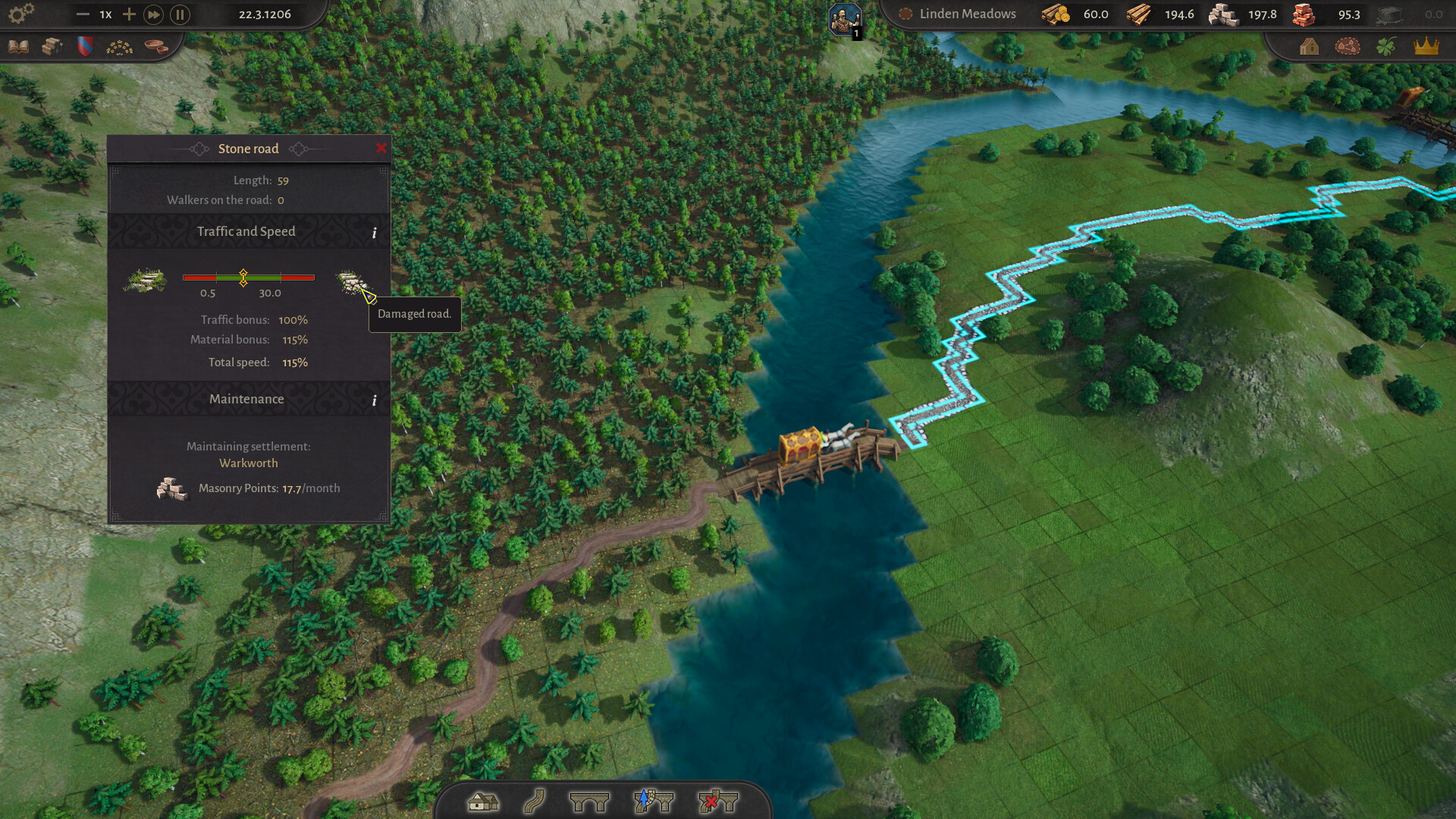
The stated goal is a linked region rather than a medley of disconnected outposts. Trade routes between settlements follow real terrain — rivers, passes and roads, not straight lines — so the map's shape is the skeleton of your county's network.
This is also where the scale of the game becomes visible. As the developers put it, the scale is the point: you are not zooming into a single town, you are zooming out to see a whole county come to life. Plan in terms of corridors and connections, and think about which settlements are anchors and which are satellites, because the network you build between them is what turns a collection of villages into a county.
How to Delete or Move a Settlement
This is one of the most specific things players search for about this game — variations of how to delete a settlement, delete settlement and destroy settlement all show up in keyword research — so it deserves a straight answer, including the part that is not answerable yet.
What is confirmed: the launch announcement lists movable settlements as one of the features the returning demo adds, described as a community-requested change from the June Steam Next Fest build. So relocating a settlement is an officially acknowledged part of the game's direction, not something you have to mod in. That is the strongest officially sourced statement available on the topic.
What is not confirmed: any actual procedure. The official store listing and the announcement do not document an interface path, a hotkey, a confirmation dialogue, a cost, or whether a deleted settlement is recoverable. As of our verification on September 22, 2026, the exact steps are unpublished, and we will not invent a key or a menu path for you to follow — a fabricated hotkey costs you a save file.
The practical approach: when the October demo or the Early Access build is in front of you, look for a settlement-level selection or management panel, because moving a whole settlement implies selecting the settlement rather than its buildings. Test the action on a settlement you would not mind losing before you use it on a settlement you have grown for hours. And check the official Steam news feed for patch notes, because that is where mechanics like this get documented first.
One thing worth noting for planning: since movable settlements arrived as a community request, it is a fair assumption that removal or rework was awkward for players in the June build. Treat settlement placement as semi-permanent until you have verified otherwise in your own build.
Settlement Planning Checklist
- Read the ground before the build: resource deposits, biome, terrain profile, and what the climate and soil allow.
- Prioritise navigable rivers — they are logistics in this game, not scenery.
- Set the direction of growth deliberately, because the grid fills in along it as the settlement grows.
- Plan the county as corridors: rivers, passes and roads define where routes can realistically run.
- Supply a settlement well and it evolves further, attracting advanced workers and unlocking new goods and buildings.
- Treat deletion and relocation as unverified for now; only a small number of changes are officially confirmed for the returning demo.
FAQ
How do I delete a settlement in County of Fortune?
We cannot answer that with a verified procedure. The official store page and the announcement we checked do not document a delete step, a key or a menu path, so any site giving you one today is guessing. The returning demo is confirmed to add movable settlements, so check the build itself and the Steam patch notes.
Can I move a settlement?
Movable settlements are listed among the community-requested features the returning demo adds, so relocation is officially acknowledged. The exact method and any cost attached to it are not published.
How many settlements can I build?
Not announced. No official settlement cap or county size limit has been published, so we will not state a number.
Do settlements grow automatically?
They fill in procedurally along the layout you choose — you set the site and the direction, and the grid and streets fill in as the settlement grows from hamlet to town and eventually city.
What makes a good settlement site?
Resource deposits, biome and terrain profile decide what a plot is good for, climate and soil decide what thrives there, and navigable rivers turn position into logistics. The official example is a salt-works beside a pass, versus a city far from water.